Grafana Dashboards in git (Git Sync)
Published on Mar 06, 2026
Editing Grafana dashboards ~is~ was always such a hassle, if you decide to edit the JSON you'll have to do the "Delete" / "Import" dance in the Grafana UI, or if you decide to edit in the UI you have outdated files in your repository and you'd have to download them periodically.
Recently they released a new feature in preview called Git Sync which solves all of these issues. You set up a repositor on GitHub, link it in the Grafana UI (after enabling this experimental feature on your Grafana container through an environment flag if you self-host it) and you are done.
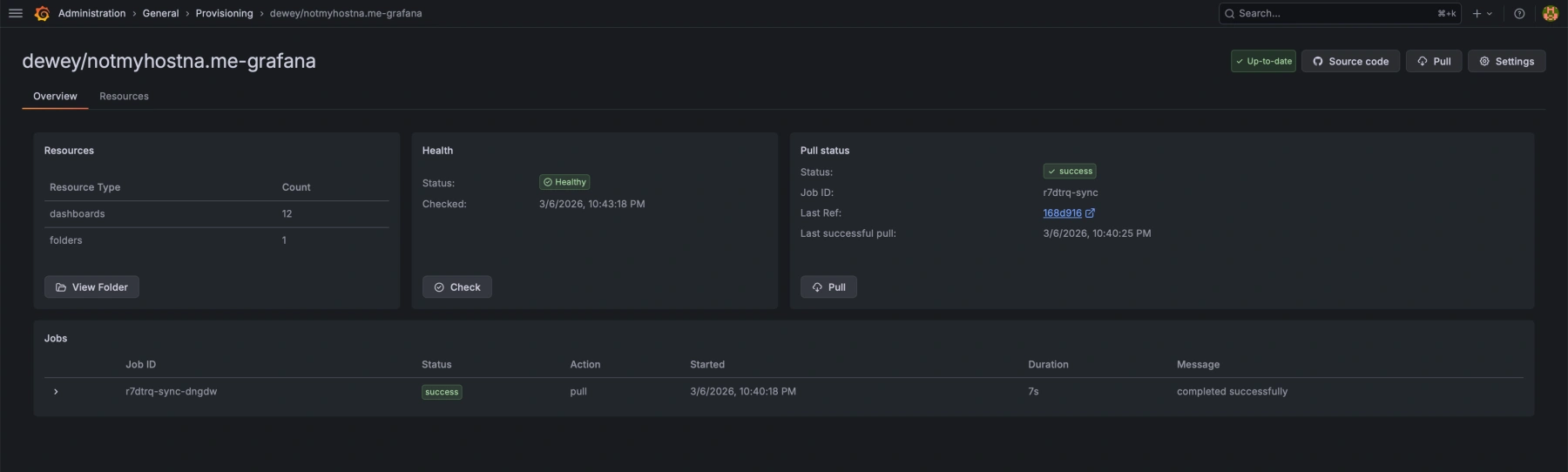
After you set it up you'll see a new folder with a "Sync" icon next to it, but it will be empty. It seems like there's no great way to just "move" existing dashboards into the new synced folder so you'll have to export them, then check them into the repo and wait a few seconds until they are synced in the UI.
I just had to run this in the checked out repository on my local machine:
brew install grafanactl
grafanactl config set contexts.default.grafana.server http://notmyhostna-me:3001
grafanactl config set contexts.default.grafana.token glsa_restofyourtoken
grafanactl config set contexts.default.grafana.org-id 1
grafanactl resources pull dashboards --path ./dashboards/
Then commit the resulting files and wait until they show up in the UI. Took around 30 seconds in my case.